
Business Telecoms
Mobile apps with Microsoft integration
The office phone system, in every pocket.
- Business caller ID
- Wi-Fi or mobile data
- Teams & Outlook
Brands we work with



Overview
What is a mobile VoIP app?
A mobile VoIP application is a software-based telephone that gives a smartphone or tablet access to the business telephone system. It turns the device into an extension of the company PBX.
The application connects to the PBX over an internet connection, using Wi-Fi or mobile data, so staff make and receive business calls without being physically connected to the office telephone network.
Where the platform also integrates with Microsoft 365, the same app carries Teams meetings, Outlook contacts and presence, which is the pairing this page is named for.
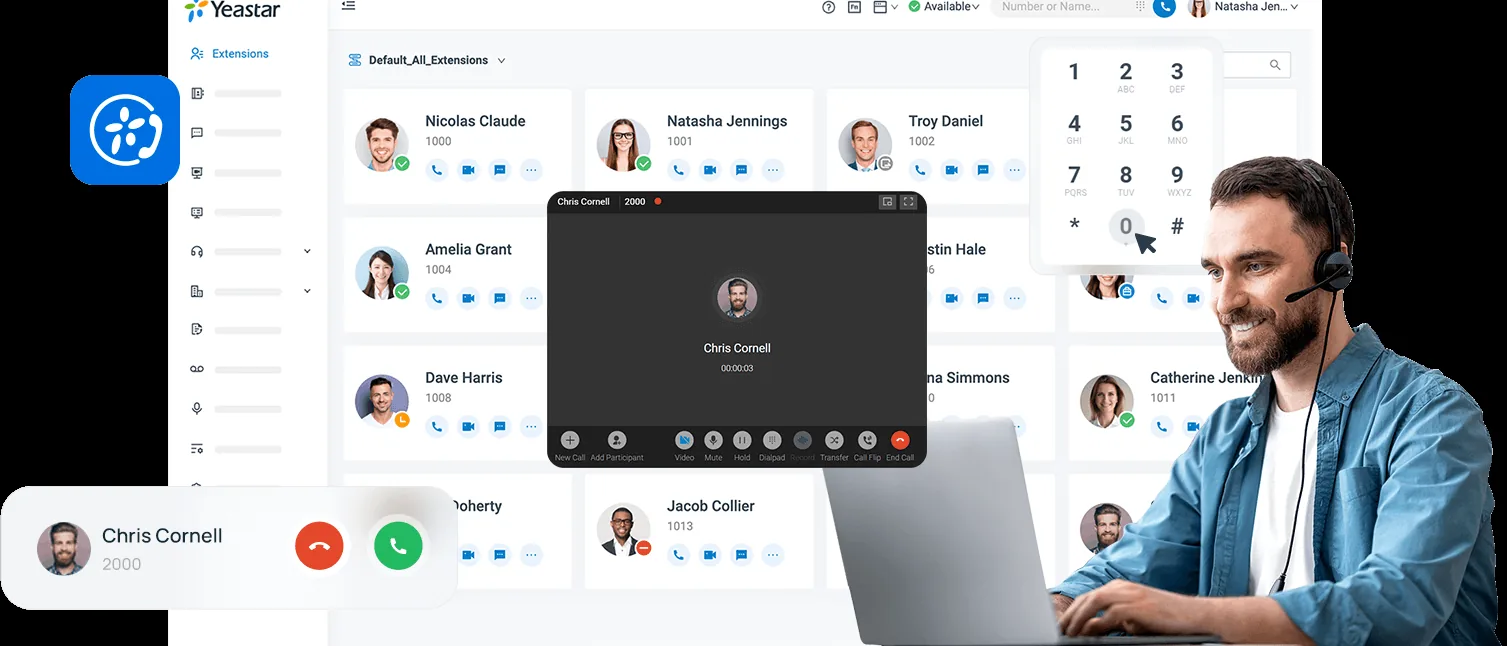
Where it fits
On your phone, on your extension
- Business extension: make and receive calls on the extension assigned to you.
- Business caller ID: outgoing calls can show the company number rather than a personal one.
- Internal calling: reach colleagues directly on their extensions.
- Call transfer: pass a call to another extension or user.
- Call hold: park an active call while you deal with something else.
- Call forwarding: redirect calls according to the rules the business configures.
- Call history and voicemail: incoming, outgoing and missed business calls, and the voicemail that goes with them.
Where it fits
How it runs
- Uses an available internet connection rather than the cellular voice network.
- Push notifications announce incoming business calls while the app sits in the background.
- The company telephone directory, on the device.
- Presence and availability, where the PBX platform supports it.
- Business messaging or internal chat, on platforms that offer it.
- The same extension on more than one device, subject to PBX configuration and licensing.
- Staff stay reachable on their business extension while working remotely.
Where it fits
With Microsoft 365 and Teams
- Teams integration: one-tap meetings, calendars, chat, voice and video.
- Outlook integration: appointments, contacts and click-to-call.
- Contact synchronisation with Microsoft 365.
- Unified messaging: voicemail, chats, missed calls and notifications in one place.
- Secure authentication: MFA, SSO, Microsoft Entra ID and device policies.
Get a free quote
Bring us the problem. We’ll own it.
Tell us what isn’t working. Our team takes it from there, and you hear back within 24 hours.